
Merchant Portal - First Time Onboard
Merchant Portal Link: https://merchant.alipay.hk/merchant/login/link?tntInstId=ALIPW3HK
Step 1. Enter the account email, which is the merchant provided to the AlipayHK team onboard.
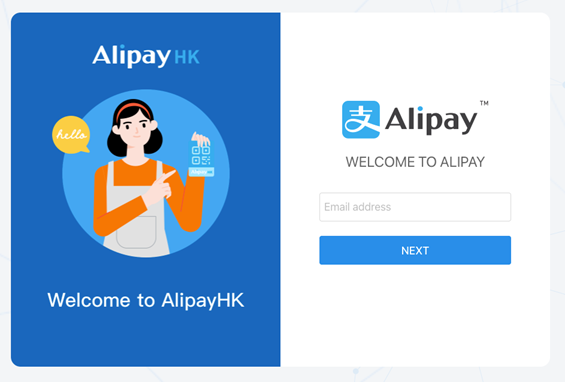
Step 2. Click ”Next” button, system will popup a window and send OTP to the email for verification.
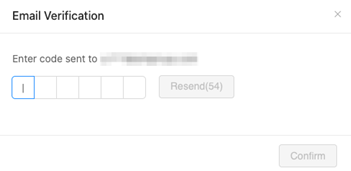
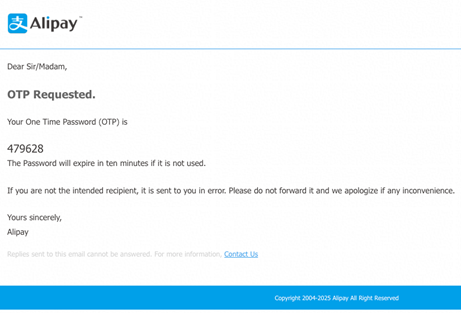
Step 3. Check the email, input OTP code and verify.
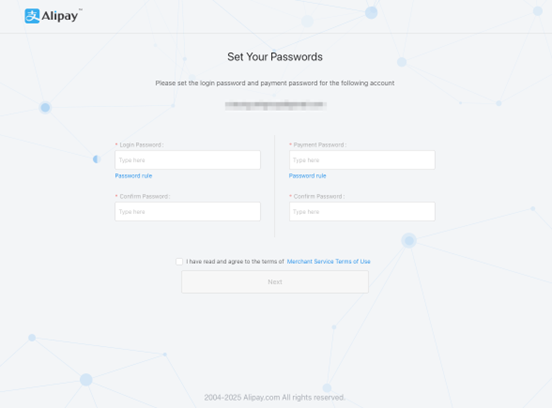
Step 4. Input the Login password and Payment password and click "Next."
Step 5. System will redirect to Login page.
If you are a payment merchant, please refer to this guideline for the AlipayHK merchant portal and RSA/RSA2 key configuration.
Alipay HK Merchant Portal Manual
If you are a marketing merchant, please refer to this guideline for the AlipayHK merchant portal and set up your first campaign.
Introduction 產品介紹 | AlipayHK商家運營中心操作手冊 | Documentation