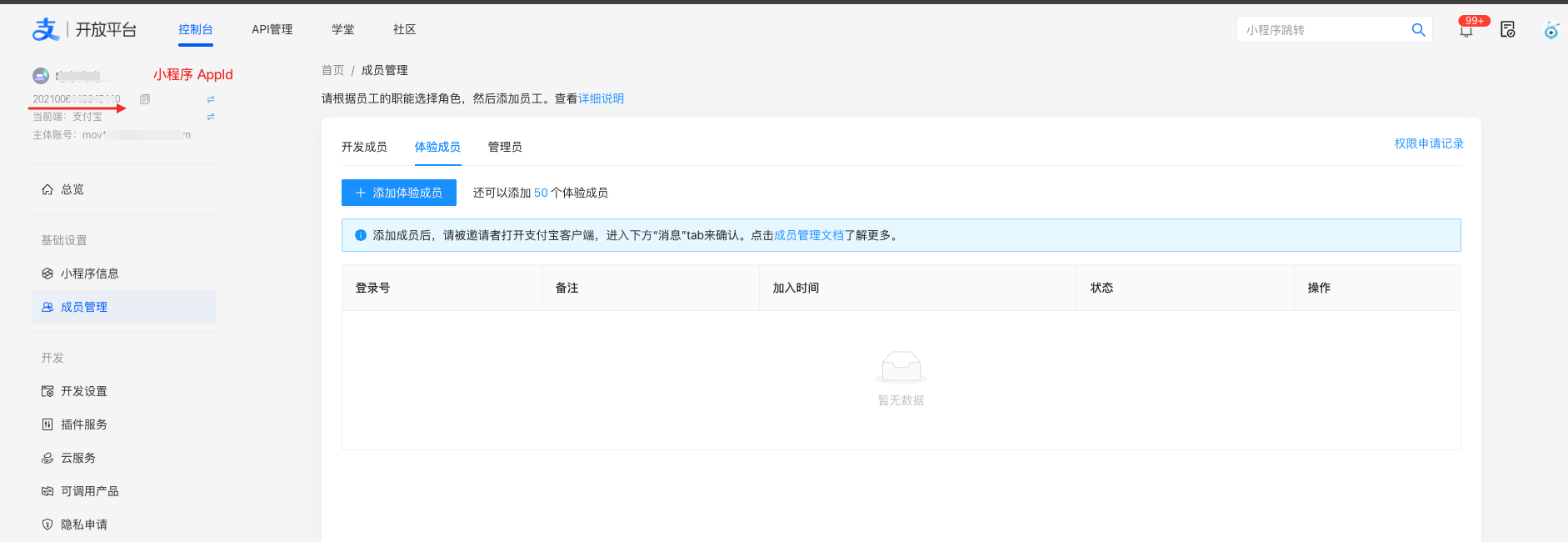
AlipayCN
本文檔旨在說明A+小程序投放AlipayCN相關步驟
代碼修改
區分錢包
通过 my.getSystemInfo 接口获取客户端标识,请参考以下文档
- app=alipay 内地支付宝
- app=alipayHK 香港支付宝
授權
- AlipayCN 只能使用 auth_base
copy
my.getAuthCode(
    {
        scopes: 'auth_base',
        success: (res) => {
          my.alert({
            title: 'success', // alert框的标题
            content: JSON.stringify(res),
          })
        },
    }
);
支付
- 在AlipayCN 中 create_forex_trade_wap 接口中的 payment_inst 需要修改為 ALIPAYCN
- https://docs.alipay.hk/alipayhkdocs/hk/hkapi/create_forex_trade_wap
Business parameter | |
payment_inst String(16) | Indicates the type of wallet this QR code can be scanned. If this field is set to ALIPAYHK, then the QR code can only be scanned by Alipay HK Wallet. If this field is set to ALIPAYCN, then the QR code can only be scanned by Alipay Wallet. If this field is set to null, then the QR code can only be scanned by Alipay Wallet.
|
A+小程序投放步驟
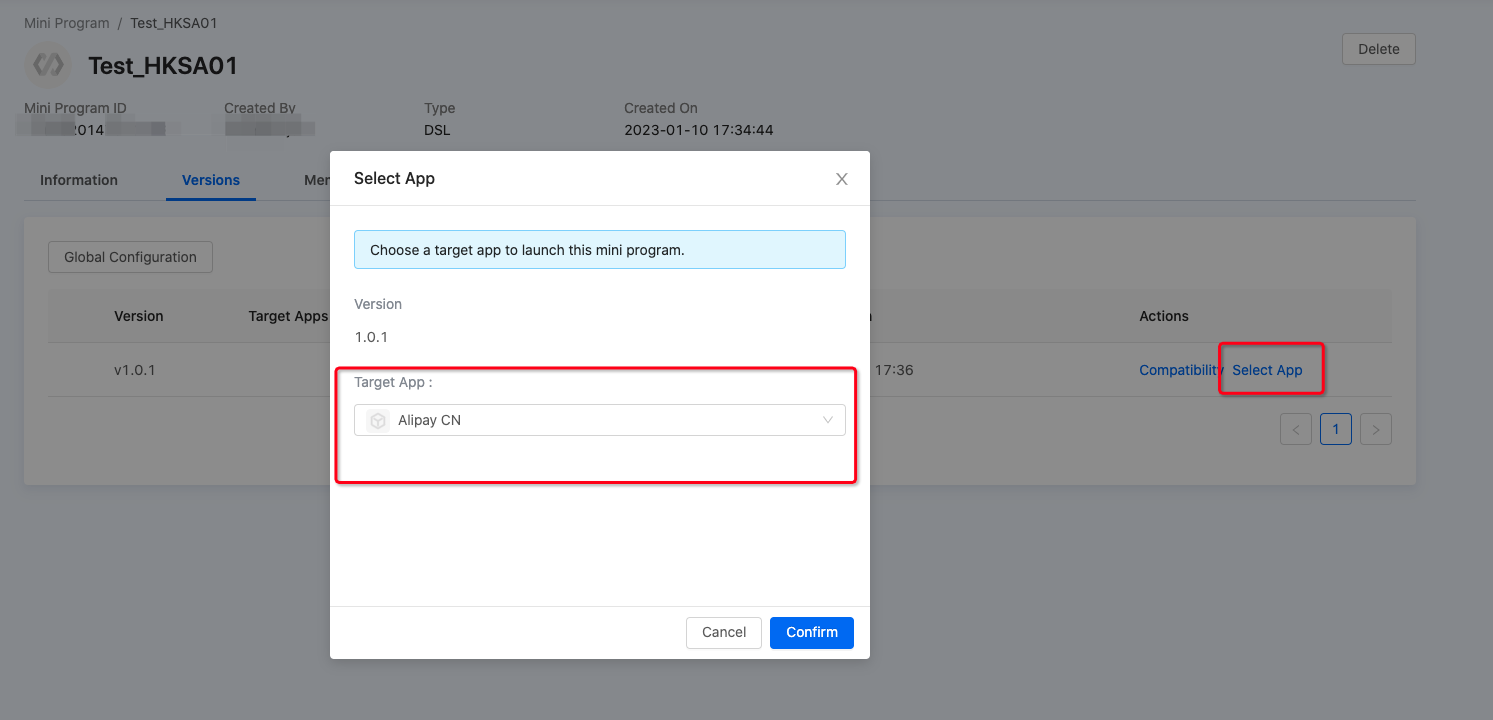
1. 选择投放Alipay CN
在进入需要投放的小程序,选择投放Alipay CN
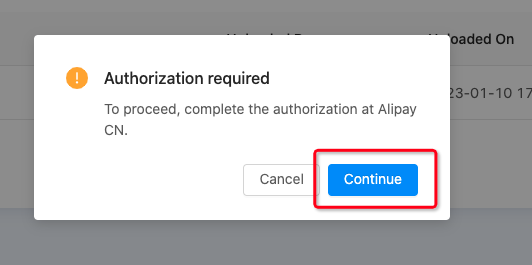
2. 完成授权
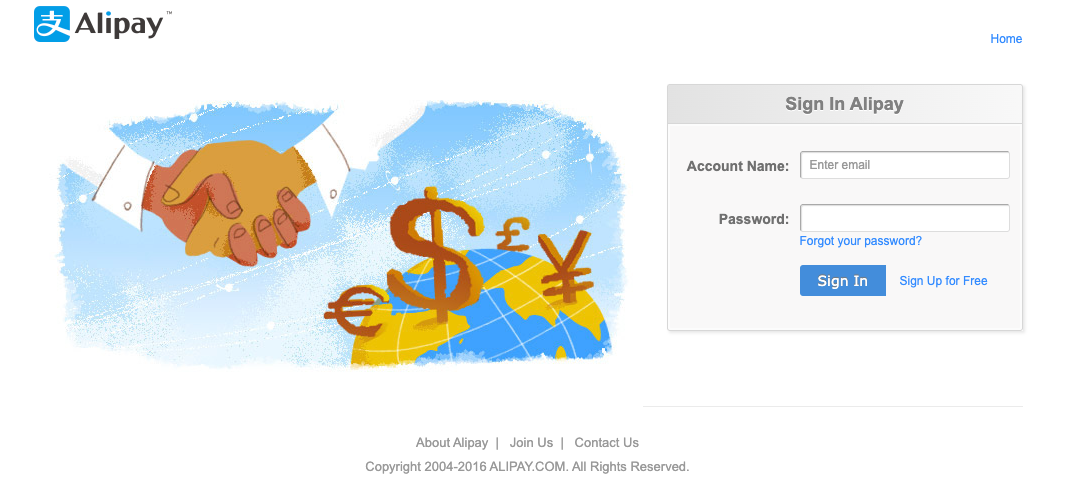
按照指引,登录至支付宝平台
使用账密登录
3. AlipayCN 開放平台管理小程序