
Queue Up
This page discuss the extended information for queuing up scenarios, please also check the base API.
Order Status
Notification can start from any status below and status can be skipped if necessary, but not in reverse. |
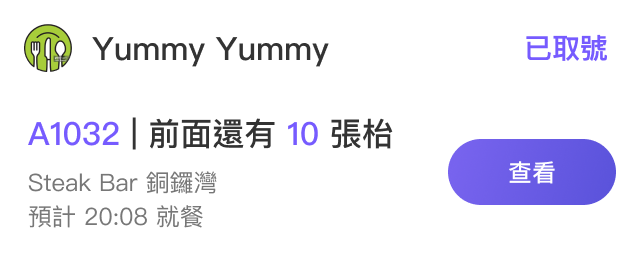
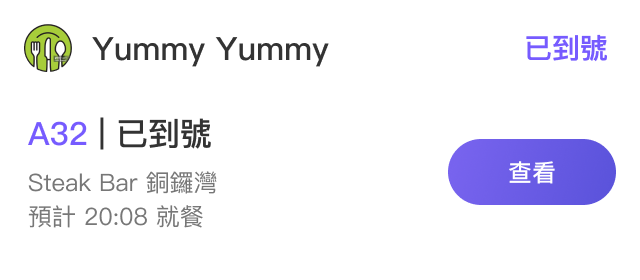
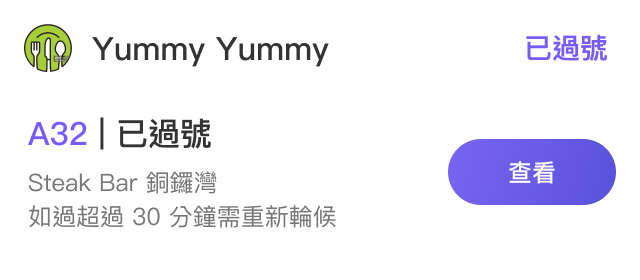
Order Status | Description | Display Sample (Index Page) |
| When the customer start queuing up / number is updated. **You should update this status every time a number is called. |
|
| When the queue number matched. |
Hide notification after 10 mins. |
| When the queue number has already called. |
Hide notification after 10 mins. |
| When the queuing is cancelled. **Only available in | Hide notification. |
| When the service order is completed. | Hide notification. |
Below is the extra fields of this scenario, please also check the base API fields. |
Request parameters
shopInfo object REQUIRED
Information of the shop.
extInfo object REQUIRED
Extended information of this service order.